A complete order-flow toolkit for traders who already read the chart in ICT terms. Resting depth where price wants to sweep. Real institutional size behind the displacement candle. SMT-style confluence across correlated futures. Volume-validated Fair Value Gaps and sweep-gated iFVGs. The model tells you where. FlowForged tells you whether.
Plots the large resting bids and asks on your chart before price gets there. The walls the algorithm is drawing toward, and the ones it pulls before the sweep. Zone mode for chart-wide context, lifespan mode for watching liquidity build and disappear in real time.
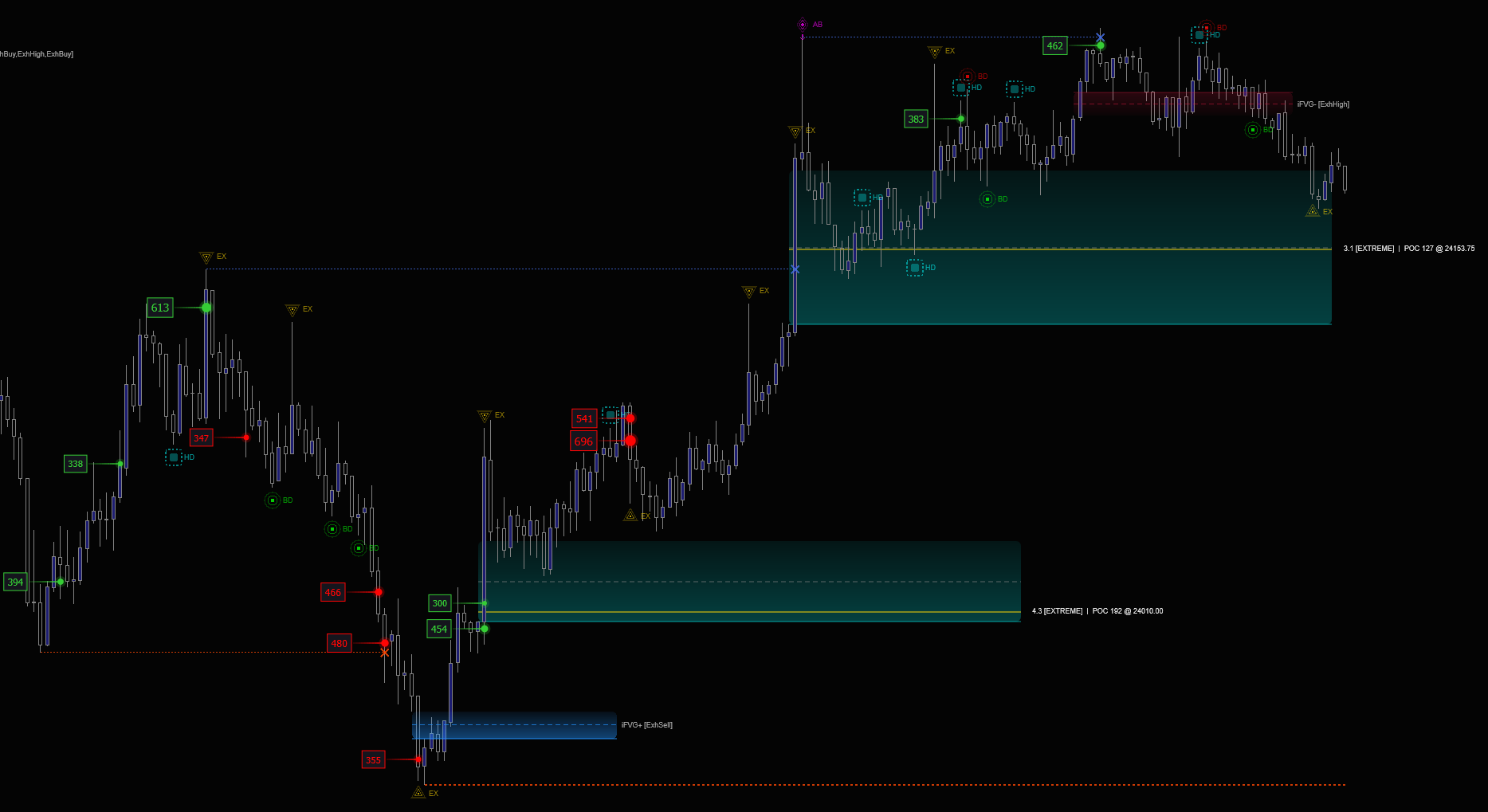
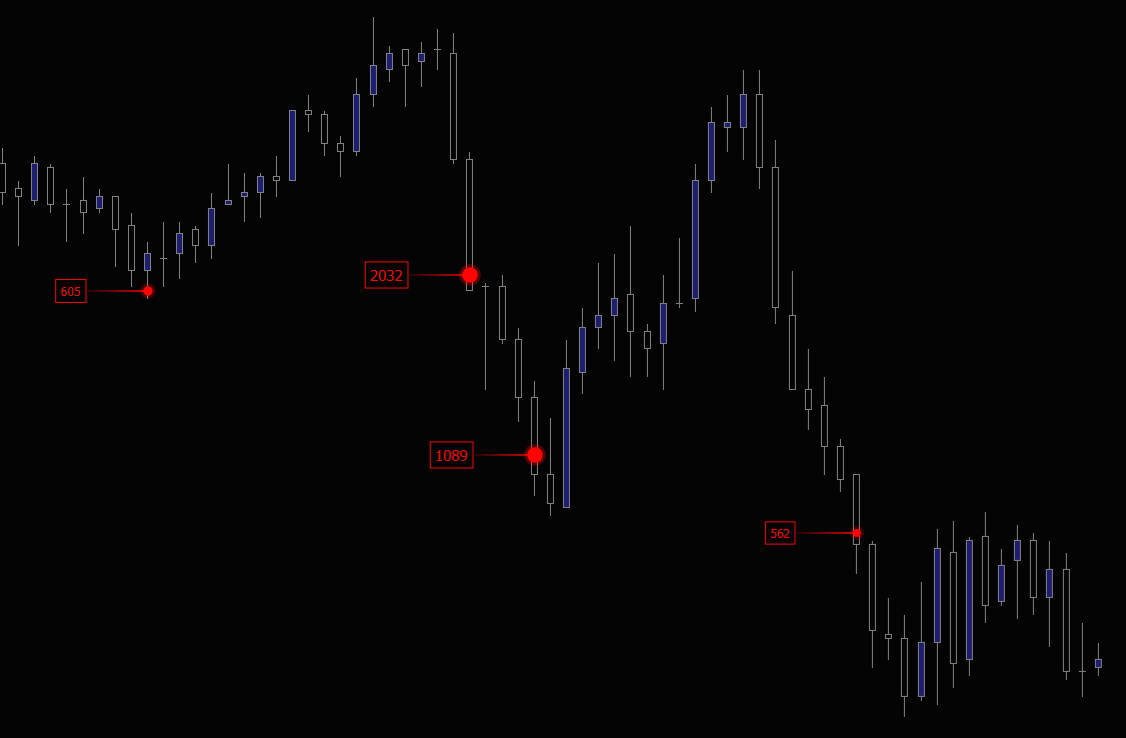
Level 2 DepthReal-TimeThe displacement candle that broke your bias. Was it a 50-lot retail order or an 800-lot fund? Hammer reassembles fragmented institutional orders from the tick stream and prints the true size on the bar that did the damage. Now you know whether the move was the algorithm or the noise.
Historical + Live6 ThemesReal-time SMT-style confirmation across the correlated futures. When ES, NQ, RTY, and YM all see aggressive selling inside the same one-second window, you’re not looking at noise. You’re looking at coordinated algorithmic delivery across the index complex. The kind of cross-market alignment that decides whether a sweep continues or fails.
Historical + LiveMulti-InstrumentPrice makes a new high into your premium array. The CVD is already falling. Volume hits a level, and price refuses to move. Flux catches exhaustion, absorption, and delta divergence at the moment they happen. Before the candle closes, before the reversal is obvious, while you still have a clean entry on the side the orderflow says is correct.
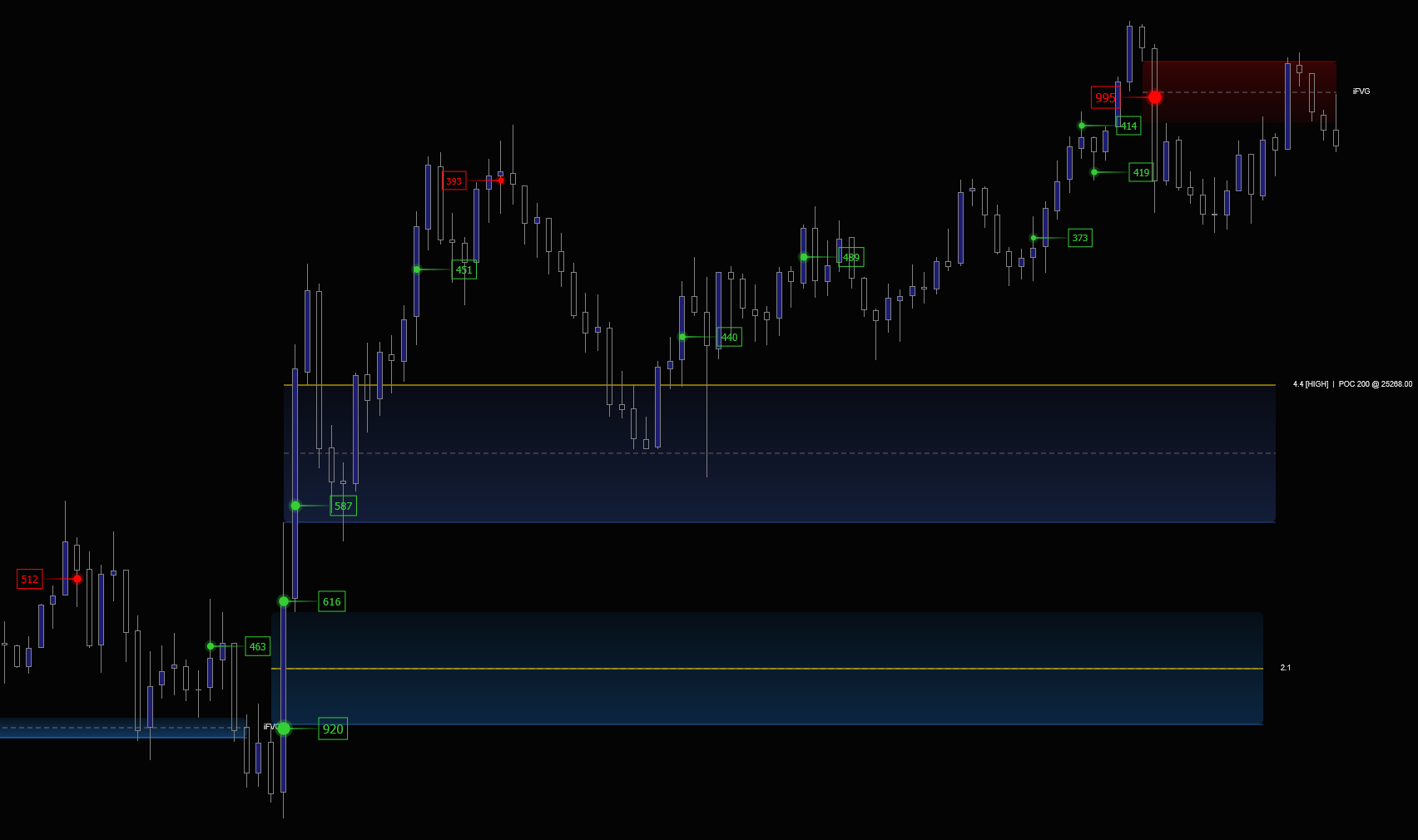
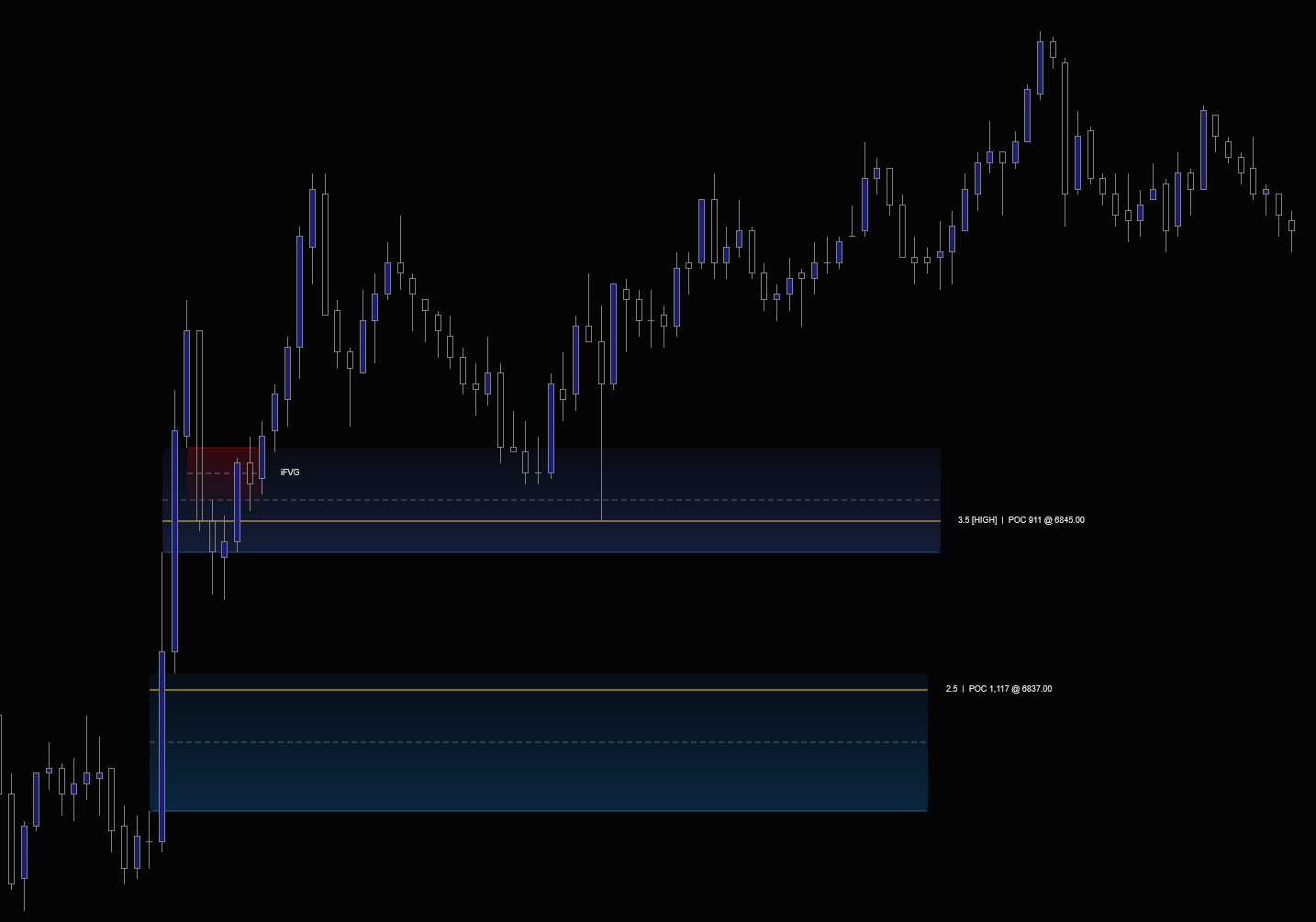
Historical + Live5 Signal TypesYou already see the FVG. Refine tells you whether the orderflow agrees. A volume-validation engine grades every Fair Value Gap by the conviction behind its displacement candle, so the chart shows the gaps that were forged by real institutional size. Not the ones that were a side effect of two consolidating candles. Three-tier conviction glow, displacement POC, CE line, iFVG inversion tracking, sweep-gated iFVGs.
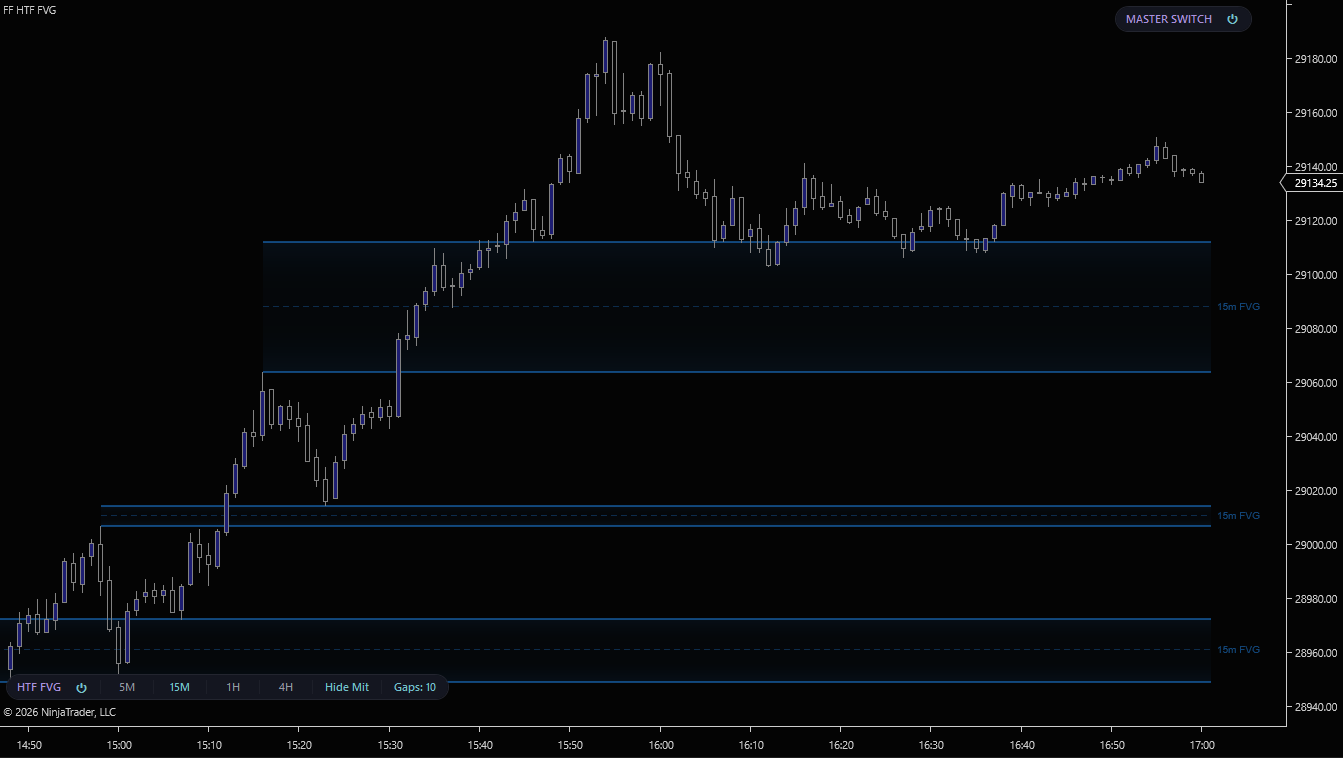
Historical + LiveVolume ValidatedYou scalp the 1-minute. Your bias lives on the 15m and 1H. HTF FVG pulls 5m, 15m, 1H, and 4H Fair Value Gaps onto the chart you’re actually trading. Edge rails, CE lines, mitigation tracking, so the level you care about is sitting on the candle you’re entering on. No second window. No flipping. No eyeballed levels.
Historical + Live5m · 15m · 1H · 4HThe 15m FVG is the thesis. The orderflow chain is the trade. Displace gates every setup on a retrace into the gap, then tracks the multi-FVG displacement chain that confirms continuation. D1 and D2 fire the trade, D3–D5 give you additional entries while the move runs. Auto entry, stop, and target levels. Calibrated for NQ and MNQ.
Historical + LiveAuto Entry/Stop/TargetClick your entry inside the FVG. Set your stop above the last untouched high. Risk/Reward sizes the position to your dollar risk, draws stops and targets with live $ and R, and submits the full bracket. One click, no Chart Trader, no DOM dance. Snap-to-bar so your entry sits exactly where the model says it does.
Live Order PlacementAuto-SizingOnce the entry fires, Tally takes over. Live $/R/point on every working leg, a break-even line that actually moves as partial exits lock in profit, an R:R verdict panel that tells you in real time whether the trade still earns its risk, and an auto-screenshot at entry and exit so the journal builds itself. Six themes.
Live Account SyncDynamic BE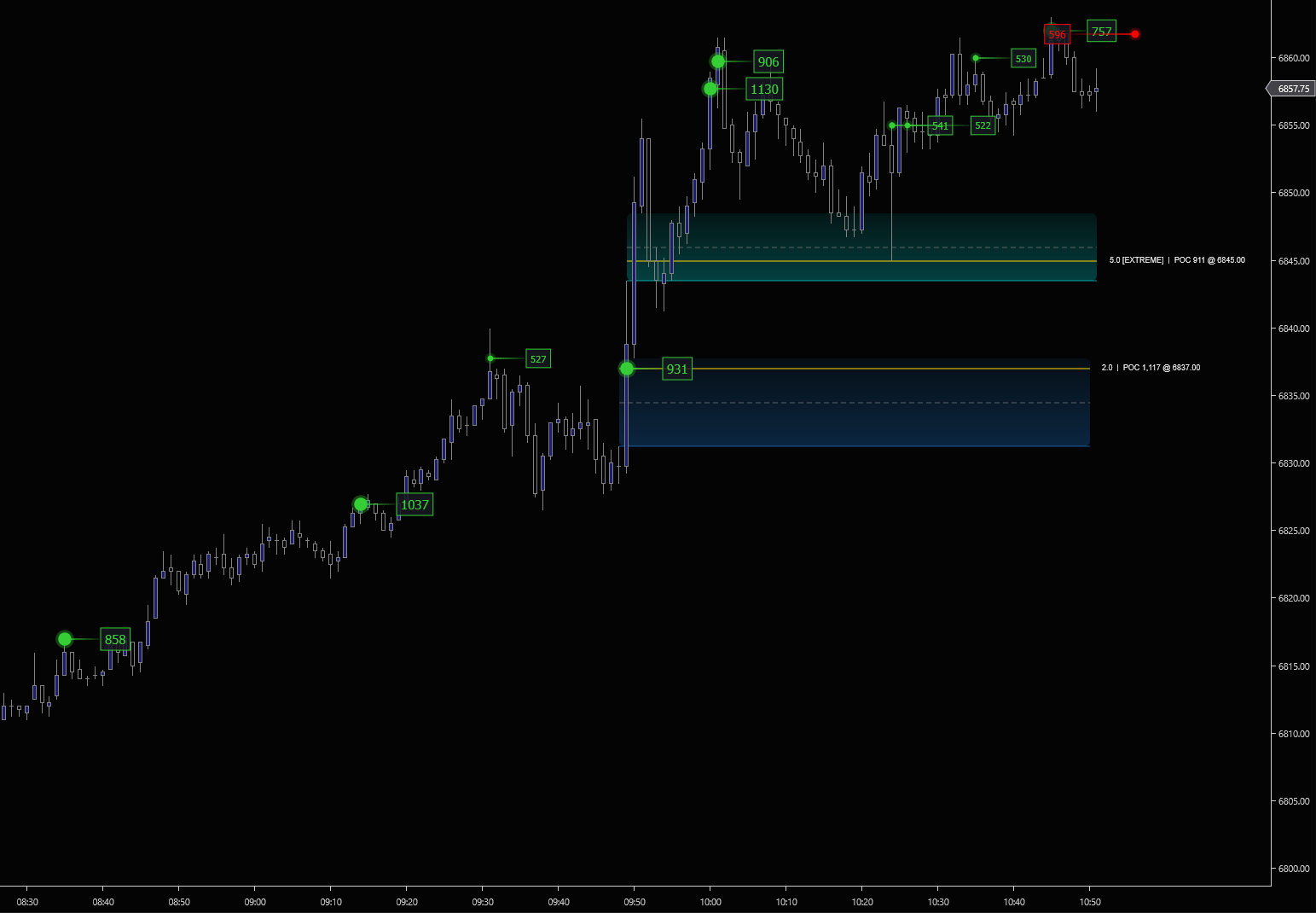
One click disables rendering for every FlowForged indicator on the chart panel. The engines keep processing in the background, so toggling back on instantly restores every active zone, marker, and level. No recompute, no state loss.
Hide every indicator pill with one toggle while keeping the indicators themselves running. Perfect for clean screenshots or a distraction-free chart. The hidden state is saved with your chart workspace so it survives restarts.
Each pill exposes ↑/↓ arrows to move it up or down in the stack. The order persists across NT8 restarts via a side-file, not just the workspace XML, so close-without-save can’t reset your layout.
Press Ctrl + Alt + T on the chart to toggle the Master Switch without reaching for the mouse. Scoped to the focused chart panel. Multiple chart windows operate independently.
Every chart panel gets its own independent Master Switch. Hide the indicators on a secondary data series while keeping them visible on your main execution chart, all in the same window.
Same Master Switch, same stacking layout, same reorder UX whether you’re running one indicator or all of them. Every paid suite tool and every free indicator participates in the same toolbar system.
Every indicator reconstructs delta, CVD, and absorption straight from the tick stream and depth events on your machine. You don’t need NinjaTrader’s Order Flow+ subscription. That’s roughly $600 a year you keep, and a layer of dependency you don’t carry.
All rendering uses Direct2D through SharpDX. The same GPU pipeline NinjaTrader uses internally. Zero flicker, zero lag, even on fast-moving instruments with hundreds of markers on screen.
Every indicator adds a dark-themed pill to your chart toolbar. Master Switch toggles rendering for the entire suite. Stackable, reorderable, keyboard-shortcut-driven. See it in action ↑
Tuned on ES, MES, NQ, MNQ, CL, RTY, and YM. The contracts most ICT futures traders actually run. Works on anything else NinjaTrader sees through Rithmic, CQG, Kinetick, or any other compatible feed.
Every product in the suite exists because the same trader hit the same wall: the model gave the level, but didn’t tell him whether to take it. FlowForged is the layer he built to answer that question, and now ships to traders trying to answer the same one.
HTF FVG draws the higher-timeframe gaps onto your execution chart. Refine grades each one by the orderflow behind it. Displace tracks what happens when price retraces into a 15m FVG, and whether the displacement chain expands the way the model says it should. Anvil shows the resting walls price is drawing toward. Hammer reveals the institutional size hitting those walls. Forge confirms across the correlated futures. Flux catches the moment the orderflow disagrees with the level. Risk/Reward plans and places the bracket. Tally runs the trade until it's closed.
Nine indicators. One suite. The orderflow proof your ICT model has been missing.
See the suite + pricingAsia, London, and New York session highs and lows, midnight open, and previous day equilibrium. Plotted automatically on your chart. Two-part design: the full indicator computes the levels on a background chart, and the Lite renderer mirrors them onto your execution charts with zero overhead.
Free DownloadTwo VersionsEvery standard ICT macro time window bracketed directly on your chart. AM-1, AM-2, Lunch, PM, and 19 more. 23 standard ET macros with per-macro visibility and configurable color. Hard-coded ET conversion.
Free Download23 MacrosTwo profiles, one indicator, separate toolbar pills. Session-anchored volume-at-price for NY, London, Asia, or Overnight, plus a right-margin per-price Delta Profile histogram. POC, VAH, and VAL drawn automatically. 11 themes, up to 50 completed profiles per session retained as history.
Free DownloadVolume + DeltaA floating HUD that shows the live pulse of the tape. Trades per second, volume per second, and buy/sell aggressor ratio. Three rolling windows (1s, 5s, 30s), three corner anchors, per-metric toggles. Level 1 only.
Free DownloadReal-Time HUD